Solar Business Management Software: What Should It Handle?
A buyer's checklist for solar installers and EPC teams: what solar business software should handle across leads, surveys, quotations, projects, material, billing and after-sales service.
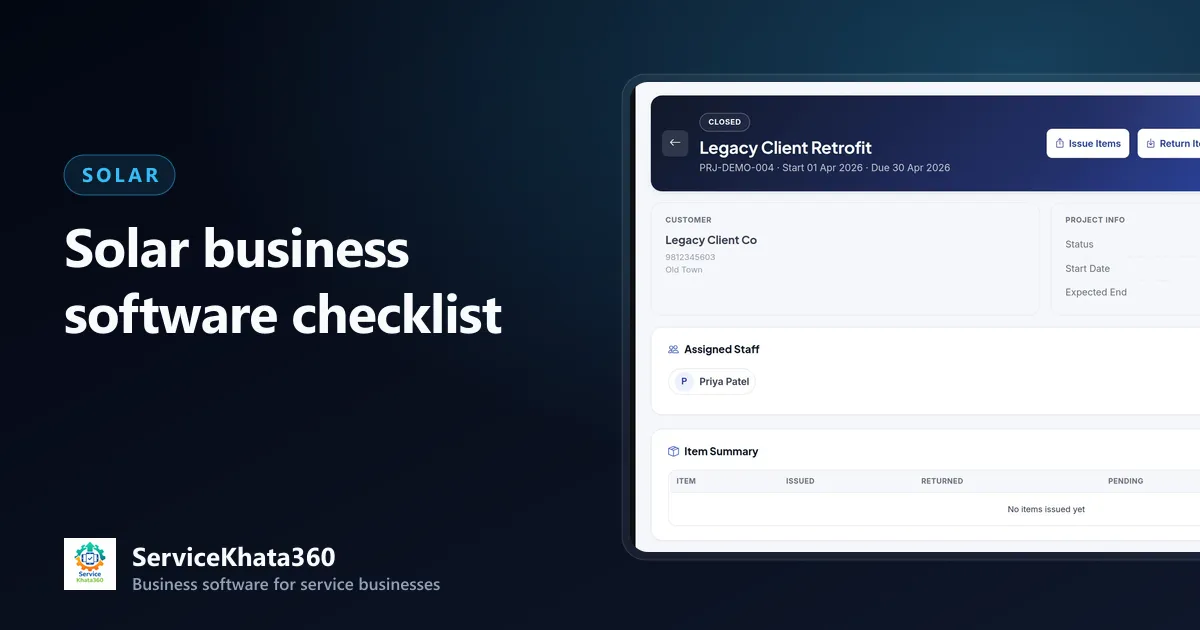
A rooftop solar job is not a counter sale. It starts with a customer who takes weeks to decide, goes through a site survey and a detailed quotation, collects an advance, moves panels, inverters, structure and cable to a roof over several days, and ends — if things go well — with a final invoice and years of after-sales service.
That is why generic billing software rarely fits a solar business, and why many installers end up with a CRM, an Excel sheet for projects, a stock register and an accounting package that never agree. This guide is a practical checklist of what solar business management software should handle.
1. Leads with long follow-up cycles
Solar customers compare, ask relatives, wait for a bonus or a festival, and come back months later. The software must hold every enquiry with its source, requirement (load, roof type, budget), assigned salesperson and a dated next follow-up — with a remark log so any salesperson can pick it up.

More in how to manage solar leads and follow-ups.
2. Site surveys on record
Roof area, orientation, shading, structure height and cable runs decide the quotation. Survey visits should be recorded with who went, when and what was found. See managing solar site surveys and quotations.
3. Itemised GST quotations
Panels, inverter, structure, DC and AC cable, protection devices, earthing and installation should be separate lines with HSN/SAC and GST. When accepted, the quotation should flow into the project and invoice without re-typing.
4. Advances and stage payments
Most solar jobs collect money before installation. Software must record advances against the customer and apply them correctly when the final invoice is raised. See solar billing and payment management.
5. Projects, not just invoices
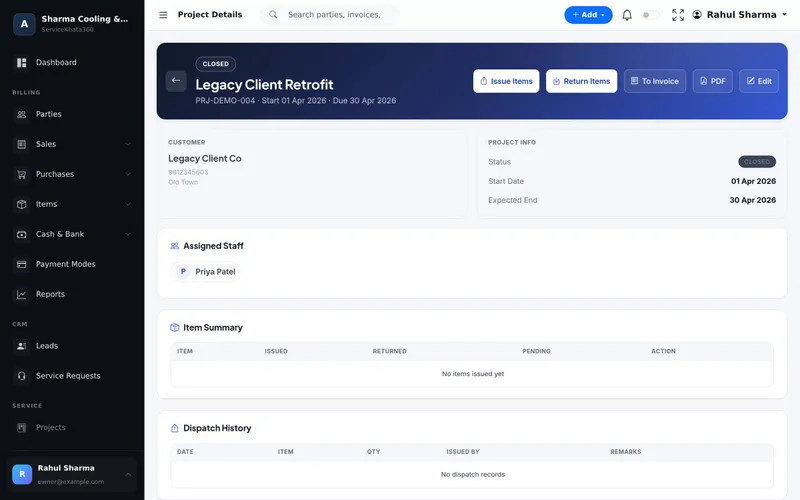
Each installation needs a project: customer, assigned team, dates and a status such as Planned, In Progress, On Hold, Completed or Closed. Work on site — delivery, structure, panel mounting, wiring, inspection — should be assignable to people with due dates.
6. Material issued to site and returned
This is where solar businesses quietly lose money. The software should record what was issued to each project, what came back and in what condition, and show the pending quantity per item. Read tracking solar materials and inventory.
7. Inventory and purchase cost
Panel and inverter prices move. Purchase bills should update stock and average cost, so your stock value and job margins are based on what you actually paid.
8. Serial numbers and warranty
Panel and inverter warranties are claimed by serial number. Recording serial numbers on the invoice saves hours when a customer reports a fault years later.
9. After-sales service and AMC
Panel cleaning, inverter faults and generation complaints continue long after handover. AMC contracts and service requests on the same customer record turn after-sales into recurring revenue.
10. Reports you will use
Open leads and follow-ups due, projects by status, material pending return, unpaid balances, stock value and AMCs expiring. If these take more than a minute to see, they will not be checked.
What software will not do for you
Be realistic: subsidy portal registration, DISCOM feasibility and net-meter applications are done outside your business software. A good system lets you schedule those steps as tasks with due dates so they are not forgotten — but no tool removes the paperwork itself. Be cautious of any vendor that promises otherwise without showing it.
Questions to ask in a demo
- Show me a lead becoming a quotation, a project and an invoice — without re-typing.
- Show me material issued to a project and a partial return.
- Show me an advance applied to the final invoice.
- Can my technicians see only their own jobs?
- What reports show unpaid balances and pending material?
Where ServiceKhata360 fits
ServiceKhata360 covers this checklist in one connected system: leads and sales visits, GST estimates, customer advances, projects with Issue Items, Return Items and To Invoice, work assignments, inventory with weighted-average cost, purchase bills, serial numbers, invoices, AMC and service requests. Project availability depends on your plan; our team confirms what fits during the demo.
See real screens and the full solar workflow on our solar business management software page.
Frequently Asked Questions
Do I need separate solar CRM and accounting software?
Does ServiceKhata360 handle subsidy applications or DISCOM paperwork?
Can ServiceKhata360 track material issued to each solar site?
Looking for one system to manage your solar business?
See ServiceKhata360 with your own workflow — leads, site surveys, quotations, projects, material, billing and AMC.