How to Track CCTV Camera, DVR and Installation Inventory
Cameras, DVRs, hard disks, cable and connectors leave the store every day. How CCTV businesses can keep stock accurate across purchases, installations, returns and sales.
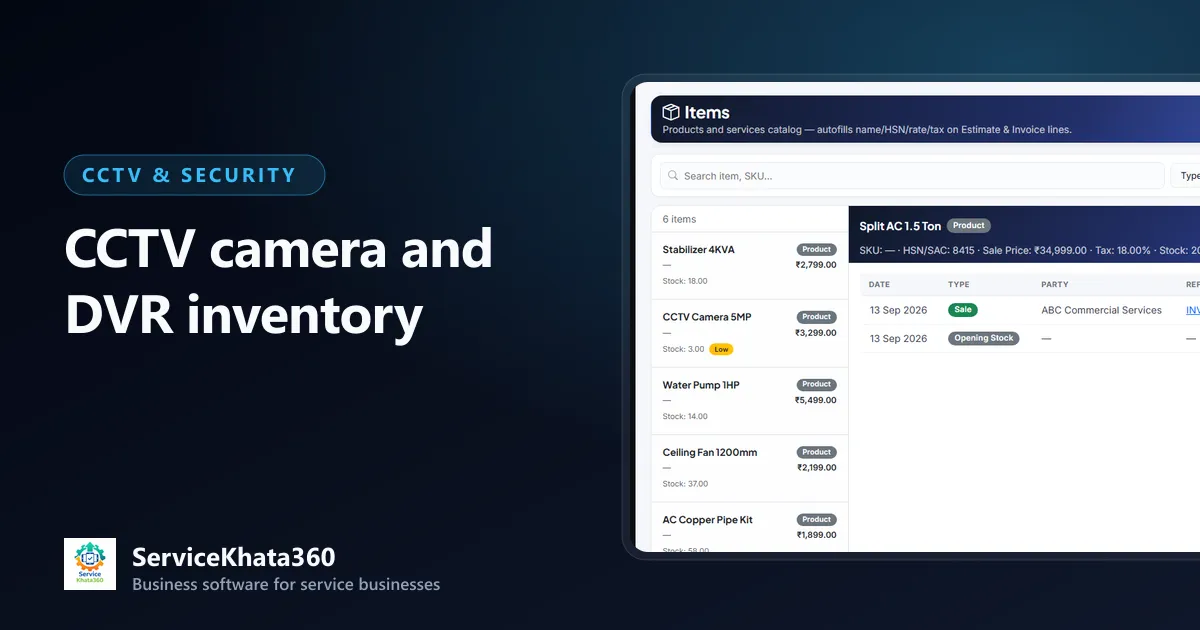
In a CCTV business, stock moves in more directions than in a normal shop. Cameras are bought from distributors, sold over the counter, sent to installation sites, returned unused, replaced under warranty and swapped during service visits. If stock is only updated when someone has time, the register and the shelf will never agree.
This guide explains how to keep CCTV inventory accurate without turning your store into an accounts department.
What makes CCTV inventory hard
- Many similar items — 2MP and 5MP, dome and bullet, analog and IP, from several brands.
- Bulk items used in parts — a cable roll goes to site and half of it comes back.
- Warranty items — cameras, DVR/NVRs and hard disks need serial numbers for warranty claims.
- Material at site — stock that has left the store but is not yet billed.
- Service replacements — a power supply swapped during a complaint visit.
Step 1: Build a clean item list
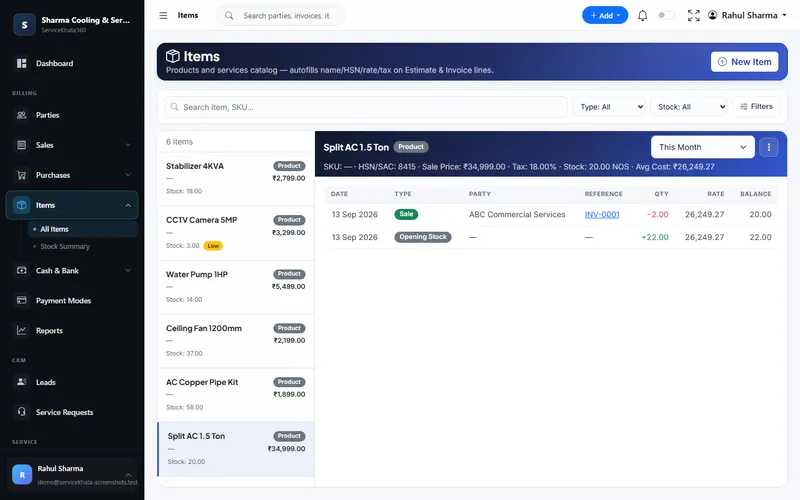
Everything starts with a consistent item catalogue. Decide on a naming pattern and stick to it, for example Brand – Type – Resolution – Model. For each item record:
- Unit (piece, roll, metre, box)
- HSN code and GST rate
- Purchase and sale price
- Low-stock level
- Whether it is serial-number tracked
Avoid duplicate items like "5MP dome" and "Dome 5 MP" — they split your stock count in two.
Step 2: Let documents move stock, not people
The most reliable rule is simple: stock changes only through a document.
- Purchase bill → stock in
- Invoice → stock out
- Issue to project → stock moves to the site
- Return from project → stock back to store
- Purchase return → stock back to the supplier
When every movement has a document, you can always answer "where did these 4 cameras go?"
Step 3: Track material sent to installation sites
For installations, issue material to the job rather than billing it item by item from the counter. Record what goes — cameras, DVR, hard disk, cable, connectors, power supply — and what comes back. The difference is what the job actually consumed, and that is what you bill and cost.
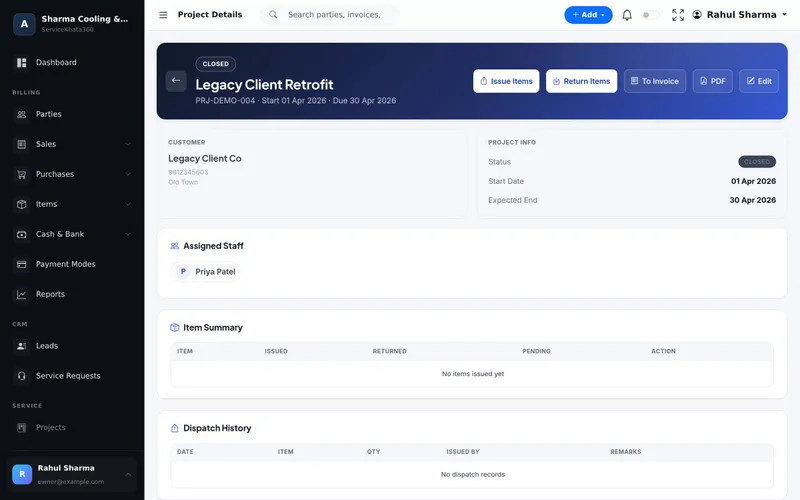
This also catches the most common leak: unused cable and connectors that never come back to the store.
Step 4: Use serial numbers where they matter
Track serial numbers for cameras, DVR/NVRs, hard disks and anything with a warranty. When a customer reports a dead camera a year later, you should be able to find which invoice it was sold on, when, and whether it is still under warranty — in seconds.
Do not serial-track consumables like connectors and clips; quantity is enough.
Step 5: Set low-stock levels for fast movers
You do not need reorder levels for every item — just the ones that stop a job when they run out: popular cameras, hard disks, cable, connectors and power supplies. Base the level on how many you use in two to three weeks, plus your distributor's delivery time.
Step 6: Count regularly, in small parts
A full stock-take once a year is painful and rarely accurate. Instead, count one category a week — cameras this week, DVRs next week. Differences are small and easy to trace.
What good stock control gives you
- Quotations you can deliver on time, because you know what is in stock
- Accurate job costing from the material actually used
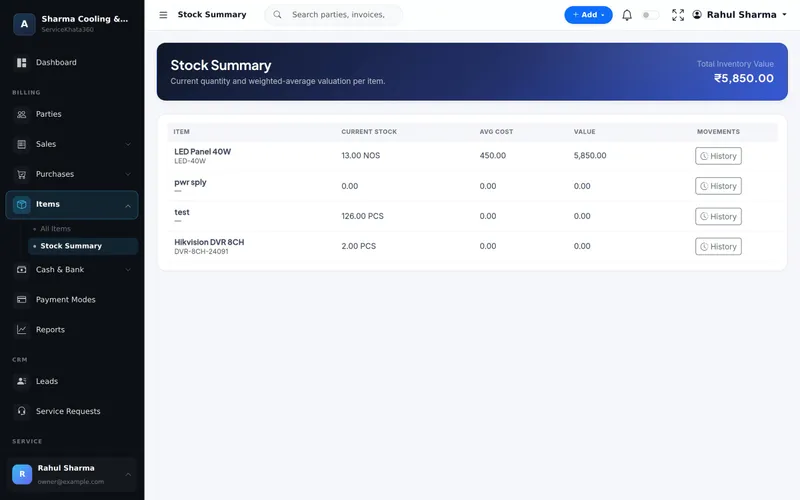
- A real stock value at average cost, not a guess
- Warranty claims backed by serial numbers and invoices
How ServiceKhata360 handles CCTV inventory
ServiceKhata360 keeps one live stock number per item, with average cost and low-stock alerts. Purchase bills add stock, invoices reduce it, and each movement appears in the stock ledger linked to its document. Projects record material issued to site and returned (with condition), and estimates and invoices carry serial numbers per unit, which feed the Serial Number Report. Inventory is connected to the same customers, projects and invoices as the rest of your CCTV business.
Learn more about inventory and stock management, or see how stock fits the whole workflow in ServiceKhata360 for CCTV businesses.
Frequently Asked Questions
Should I track serial numbers for every CCTV item?
How do I track cable that goes to site in rolls?
Does billing an item reduce stock automatically?
Looking for one system to manage your CCTV business?
See ServiceKhata360 with your own workflow — leads, quotations, projects, stock, billing, service and AMC.